 NEW FINDTikTok
Raindance AI Video Tutorial: Make a Two-Photo Music Edit
Dance
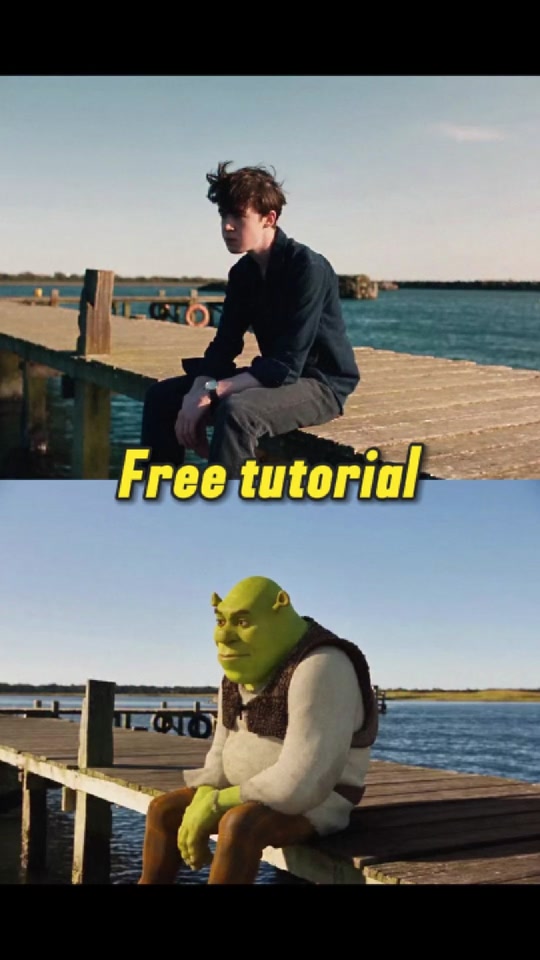
Coastal duet · Photo-to-video
Plan a two-photo performance, choose a template, and prepare your music edit.
Recommended recreation tools
Discover AI video trends, explore how-to guides, and find tools to create your own version.
Popular searches
Start with a video you like. Learn the workflow before choosing a generator.
Browse examples by effect or platform and pick the style you want to recreate.
Explore the examplesRead the guide for photo preparation, suggested prompts and settings to check.
Find a creation guideCompare inputs, formats, sound and preview limits. Open the tool to create your version.
Compare the toolsExplore a video effect, read the creation guide, and find tools for your own version.
NEW FINDTikTokDance
Coastal duet · Photo-to-video
Plan a two-photo performance, choose a template, and prepare your music edit.
Recommended recreation tools
 NEW FINDTikTok
Dance
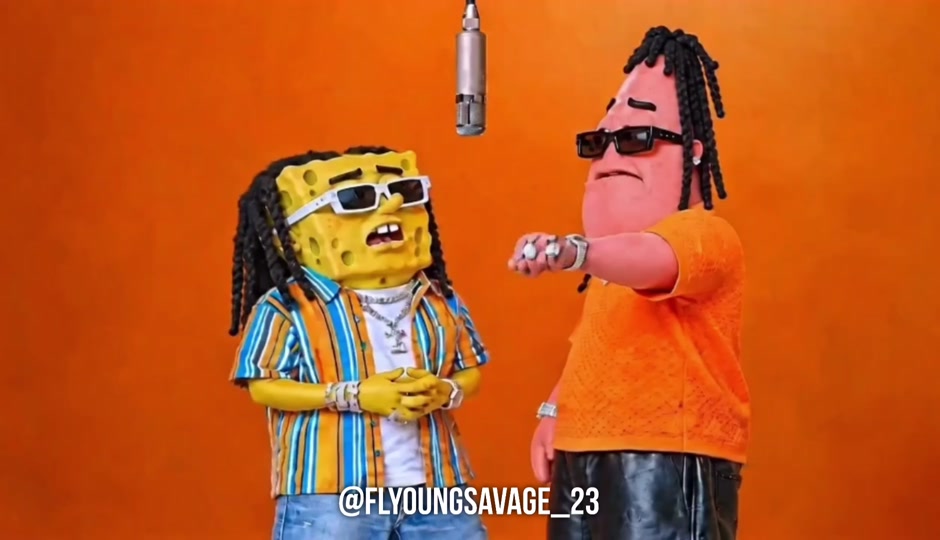
Studio rap duo · Character animation
Explore the orange-studio setup, a two-character prompt and recreation steps.
Recommended recreation tools
 NEW FINDYouTube
 NEW FINDYouTube
Hotel Lobby AI at hotellobbyvideo.com is a browser-based two-photo rap duo generator. It suits friends, couples or pet pairings looking for an orange-studio performance with a choice of framing and sound mode.
RainDance AI at airaindance.com is a browser-based generator for a dock-and-beach duet from two portraits. It suits creators who want a prepared multi-shot Raindance scene and plan to add music when posting.
Choose a video effect, read its creation guide, and select a tool that supports the required inputs and output. Prepare your references, generate a preview when available, and review the result before posting. This directory helps you find guides and tools; generation happens on the tool website.
Explore video guidesSome photo-to-video tools accept one portrait; duo formats may need two separate references. Check the selected tool’s requirements and use clear images you have permission to use.
Explore video guidesAvailability varies by tool. Free previews or welcome credits may cover only a short sample, while full videos, higher resolutions or additional attempts may require payment. Check the current offer on the tool website.
Browse AI video toolsCompare the number of reference photos, video format, sound support, available previews and the total cost for your settings. A suggested recreation tool is an option for making a similar effect, not proof that it produced the original clip.
Browse AI video toolsHelp creators find your AI video generator. Submit it to the directory for review.